Qreatic
DailyQlikChallenge About Me
DailyQlikChallengeAbout Me
Qreatic
Creating Next Level Analytics
stage_1608745378.jpeg

Join the discussion on Linkedin and follow #DailyQlikChallenge

Daily Qlik Challenge is a collection of short articles designed for Linkedin

#32 🤴 Context is King - Show Details button in Qlik Sense
ContextChristophe Brault2 juin 2020Commentaire
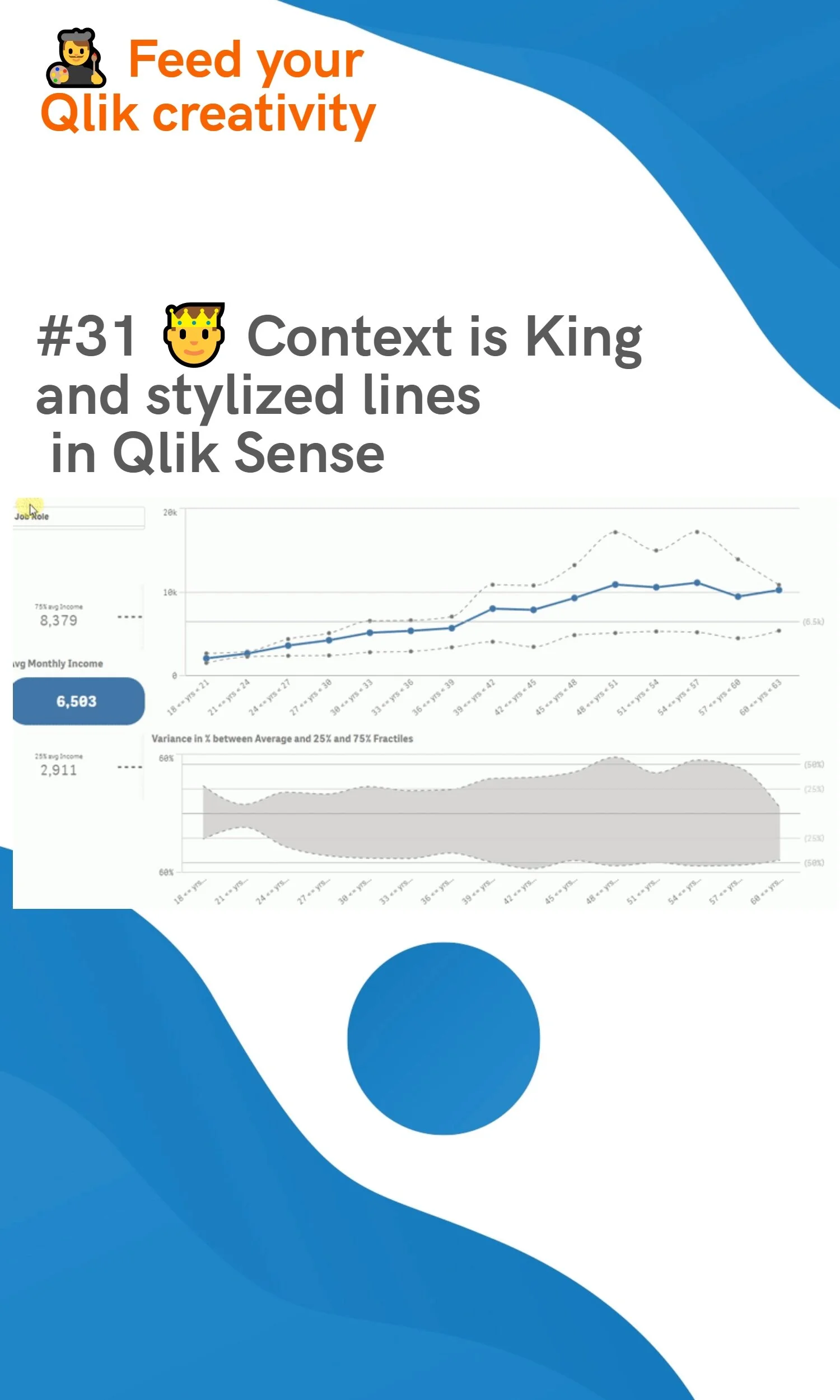
#31 🤴 Context is King and stylized lines in Qlik Sense
ContextChristophe Brault29 mai 2020 Commentaire
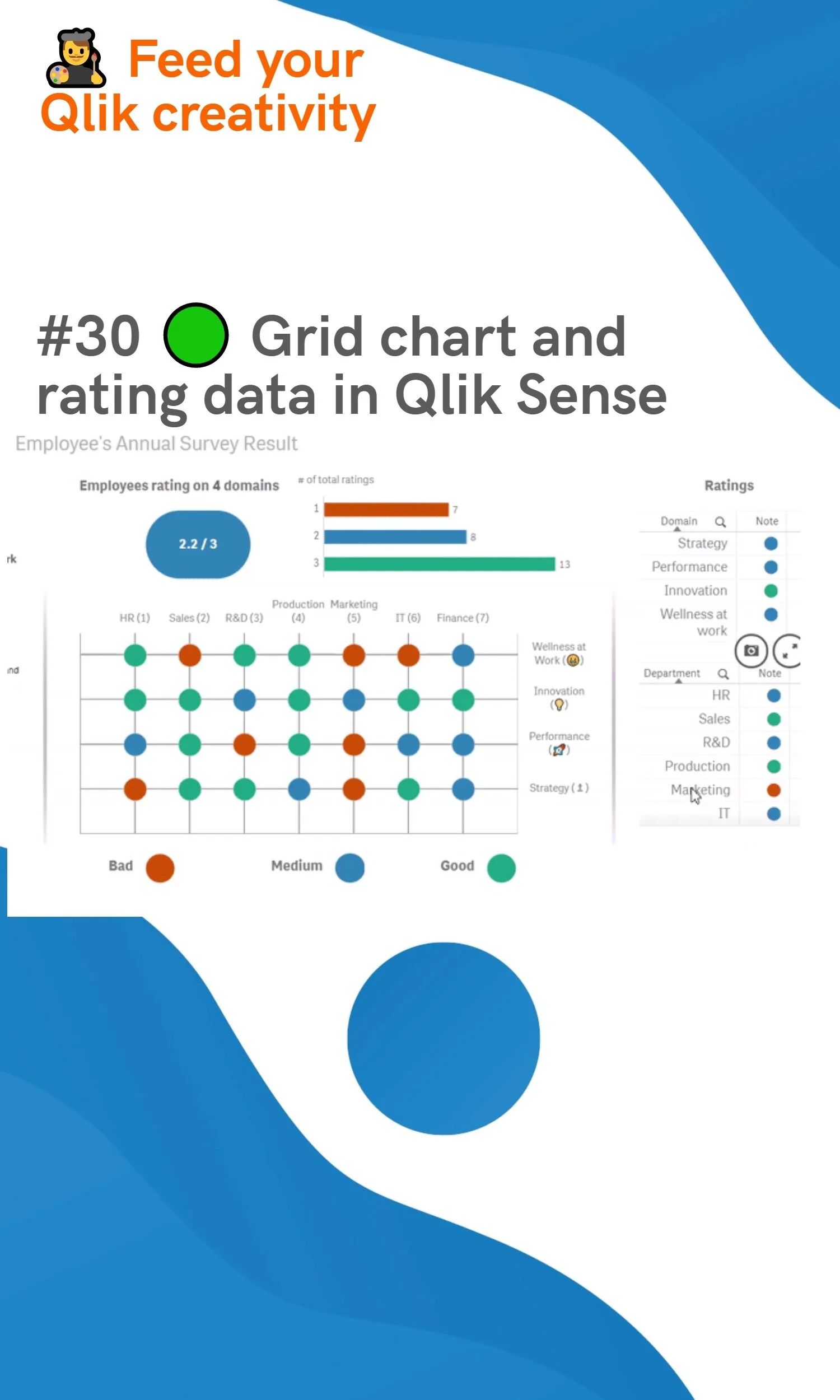
#30 🟢 Grid chart and rating data in Qlik Sense
Charts HijackingChristophe Brault22 mai 2020Commentaire
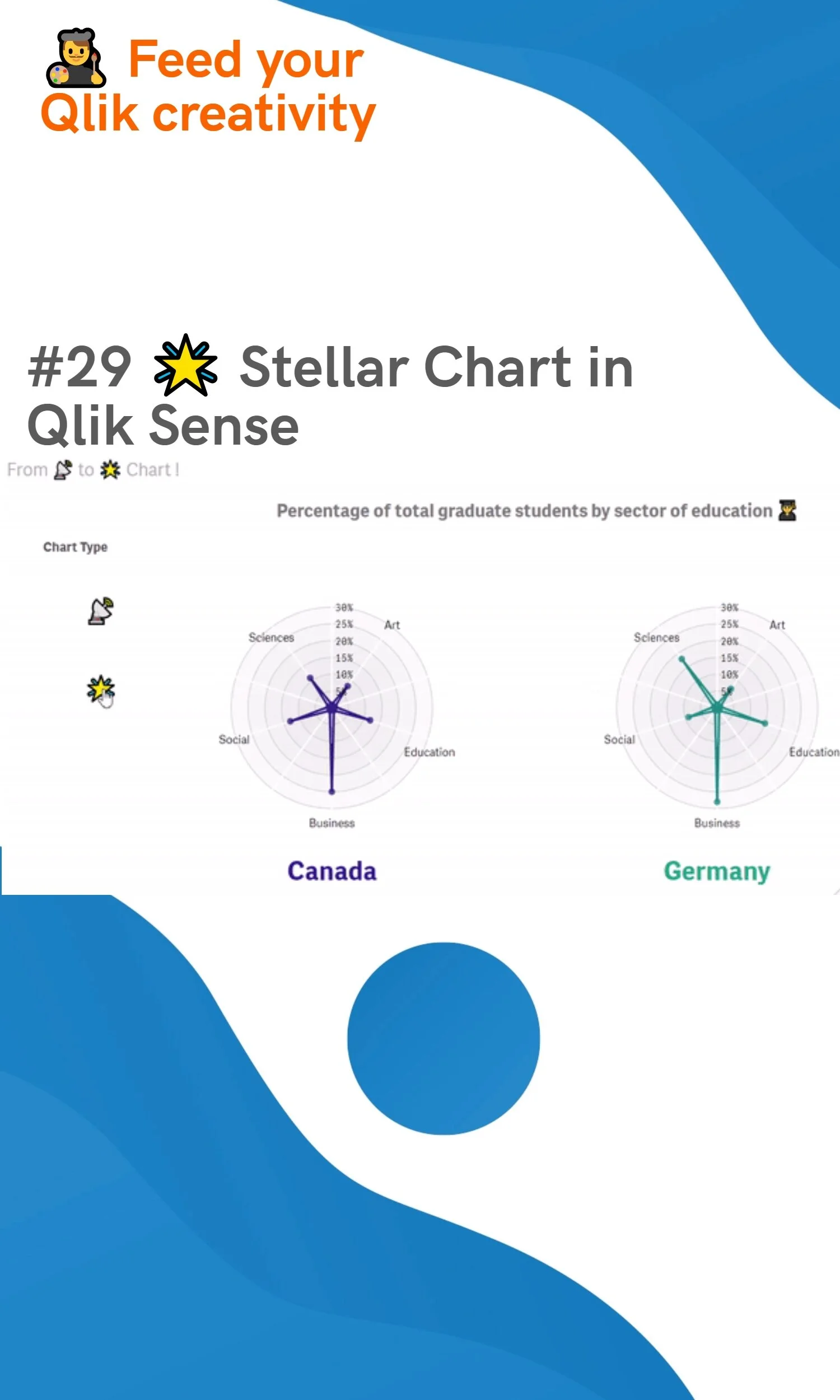
#29 🌟 Stellar Chart in Qlik Sense
Charts HijackingChristophe Brault18 mai 2020Commentaire
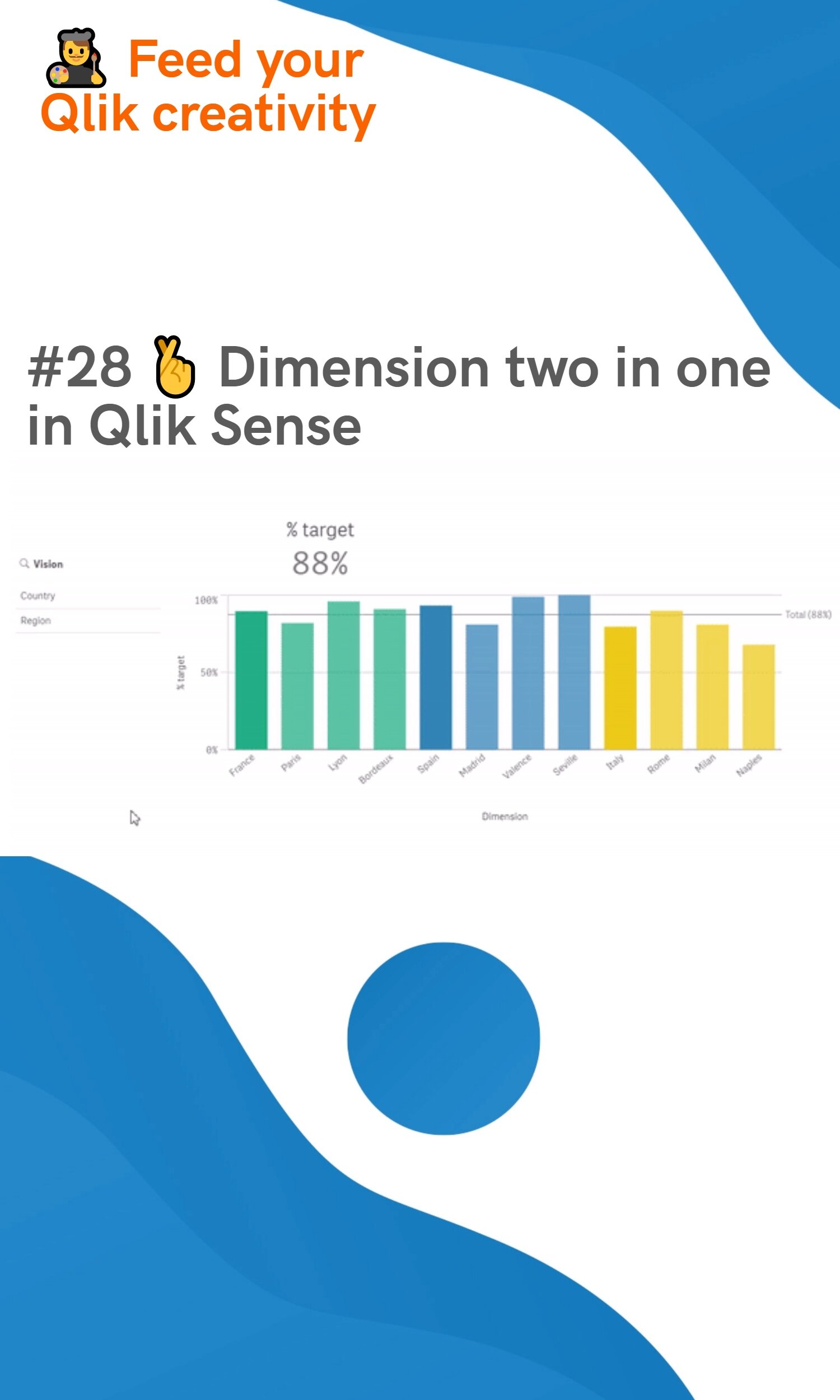
#28 🤞 Dimension two in one in Qlik Sense
ContextChristophe Brault10 mai 2020Commentaire
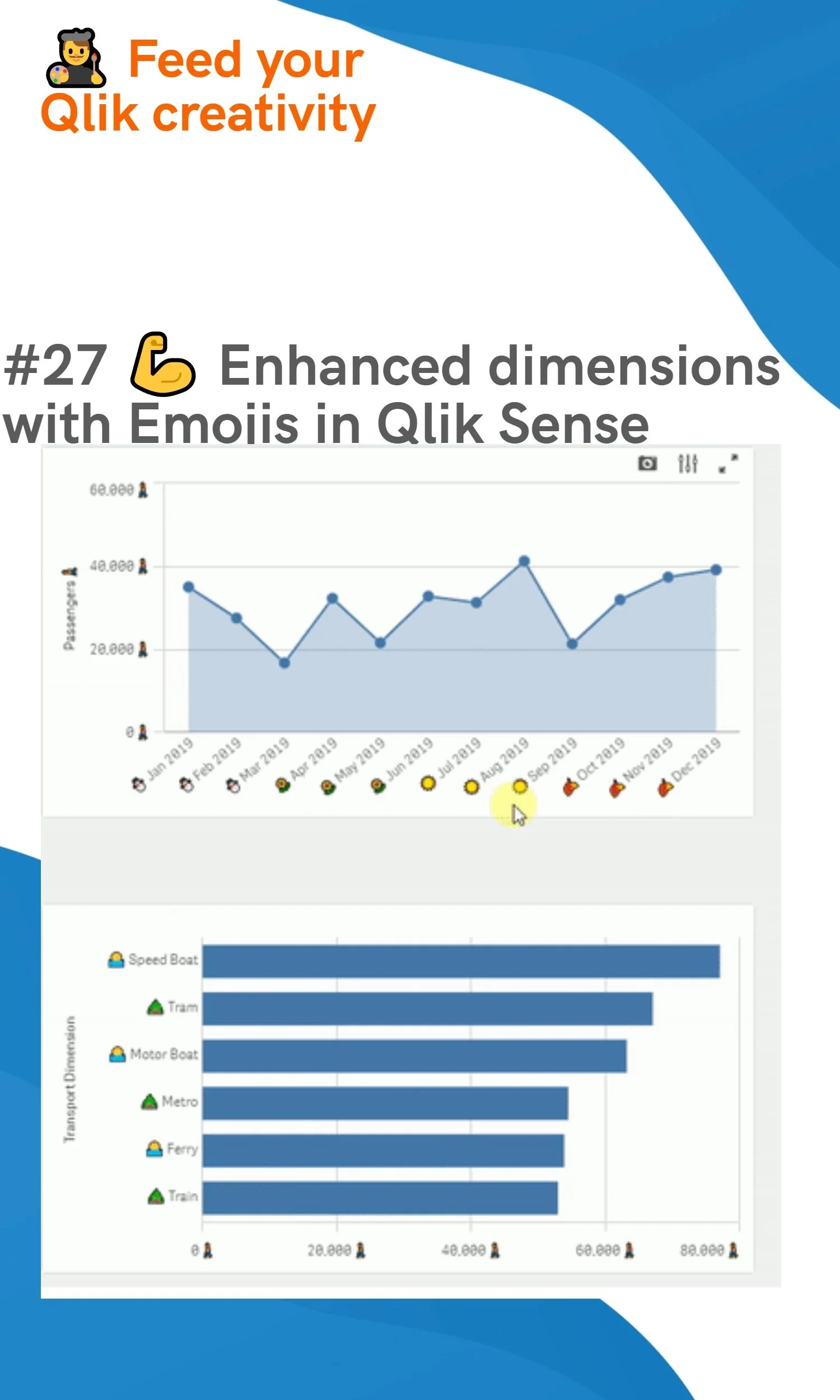
#27 💪 Enhanced dimensions with Emojis in Qlik Sense
EmojisChristophe Brault7 mai 2020Commentaire
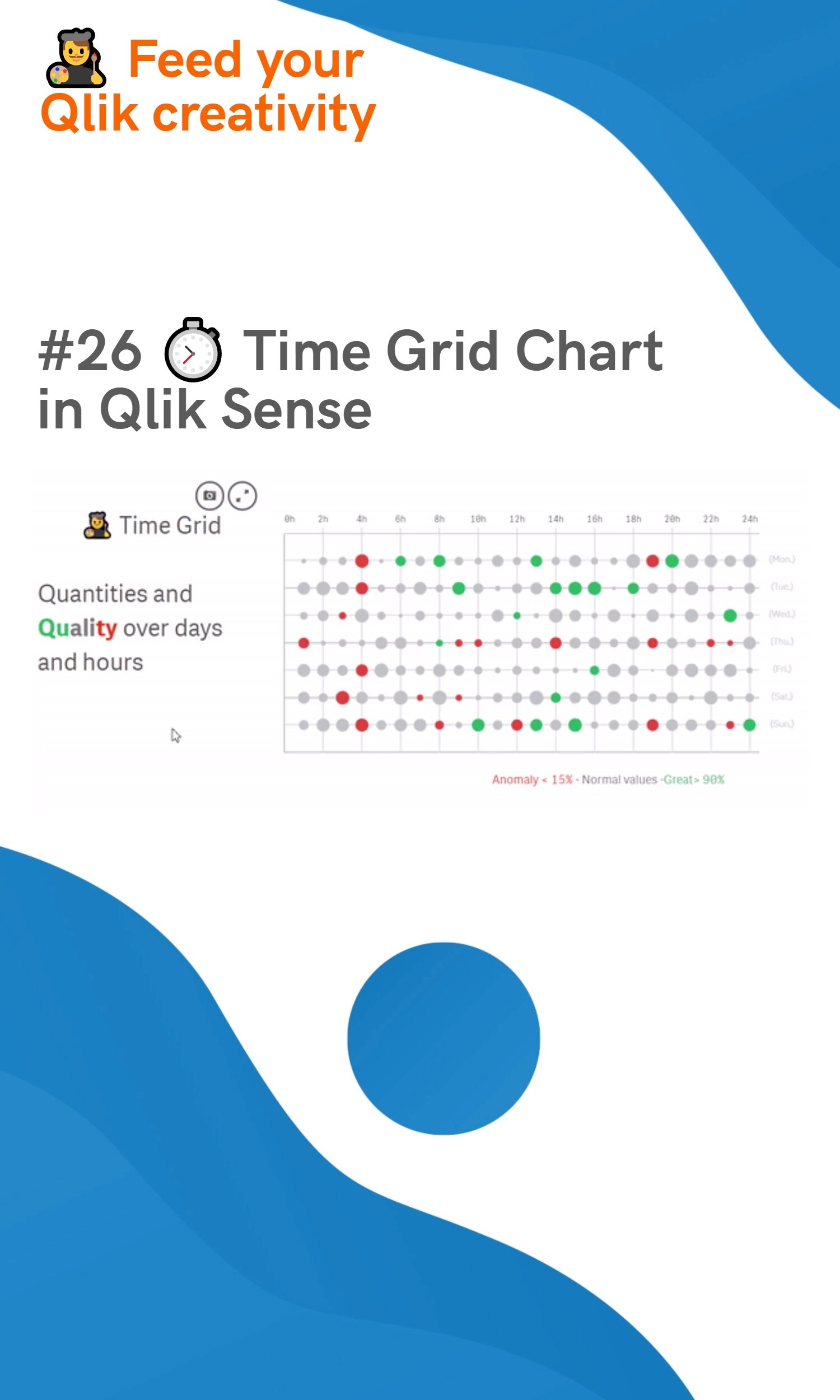
#26 ⏱ Time Grid Chart in Qlik Sense
Charts HijackingChristophe Brault3 mai 2020Commentaire
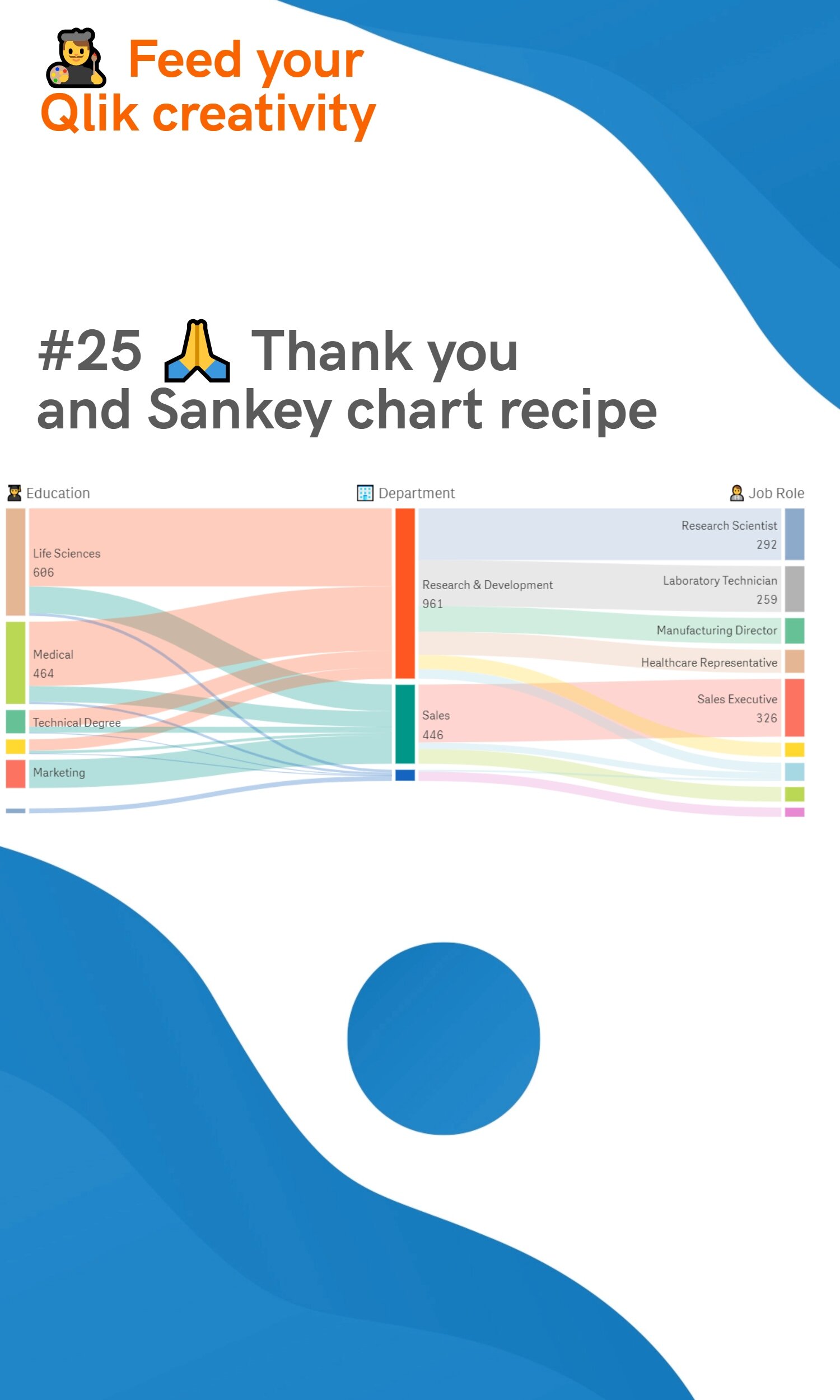
#25 🙏 Thank you and Sankey chart recipe
Tips & TricksChristophe Brault30 avril 2020 Commentaire
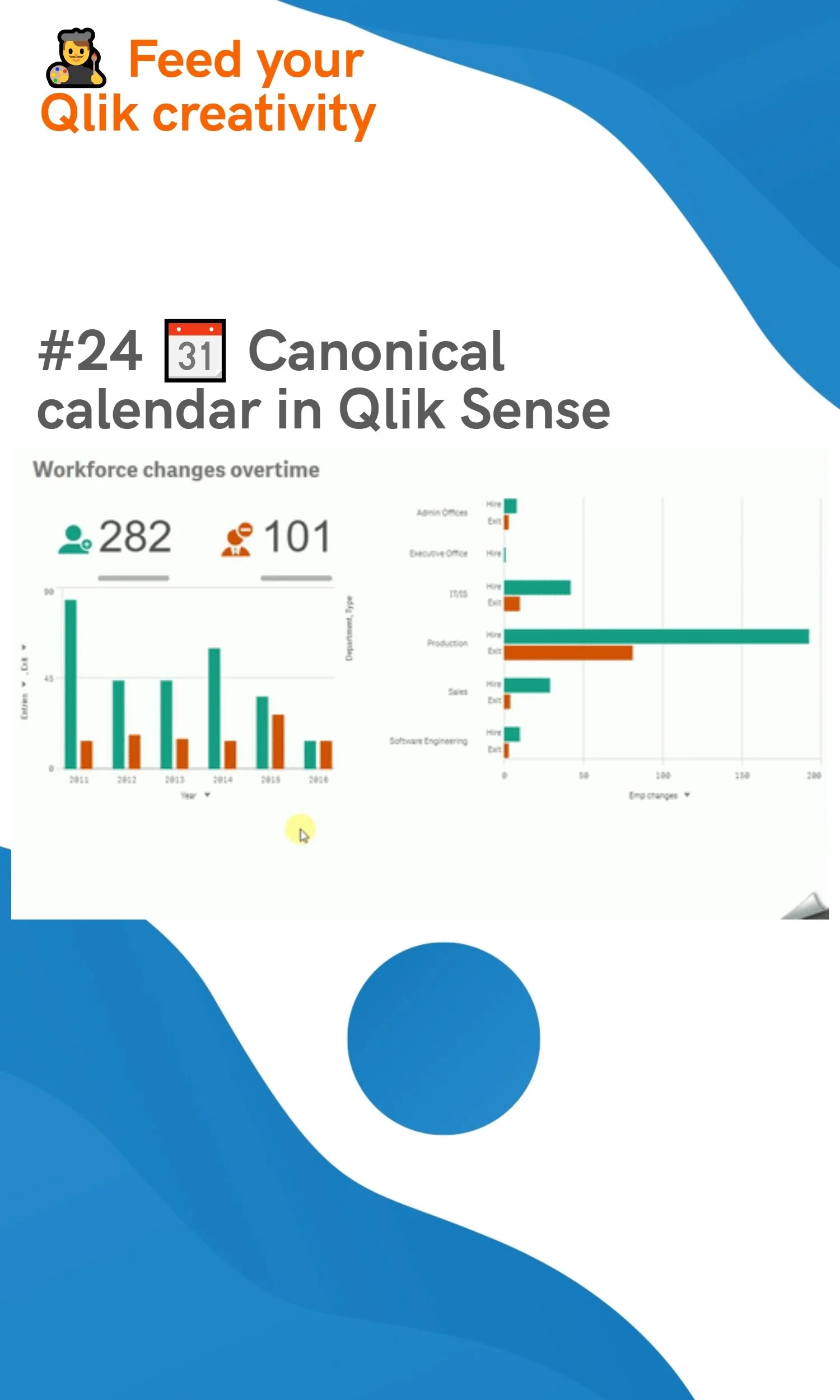
#24 📆 Canonical calendar in Qlik Sense
Scripting., Business AnalysisChristophe Brault24 avril 2020 Commentaire
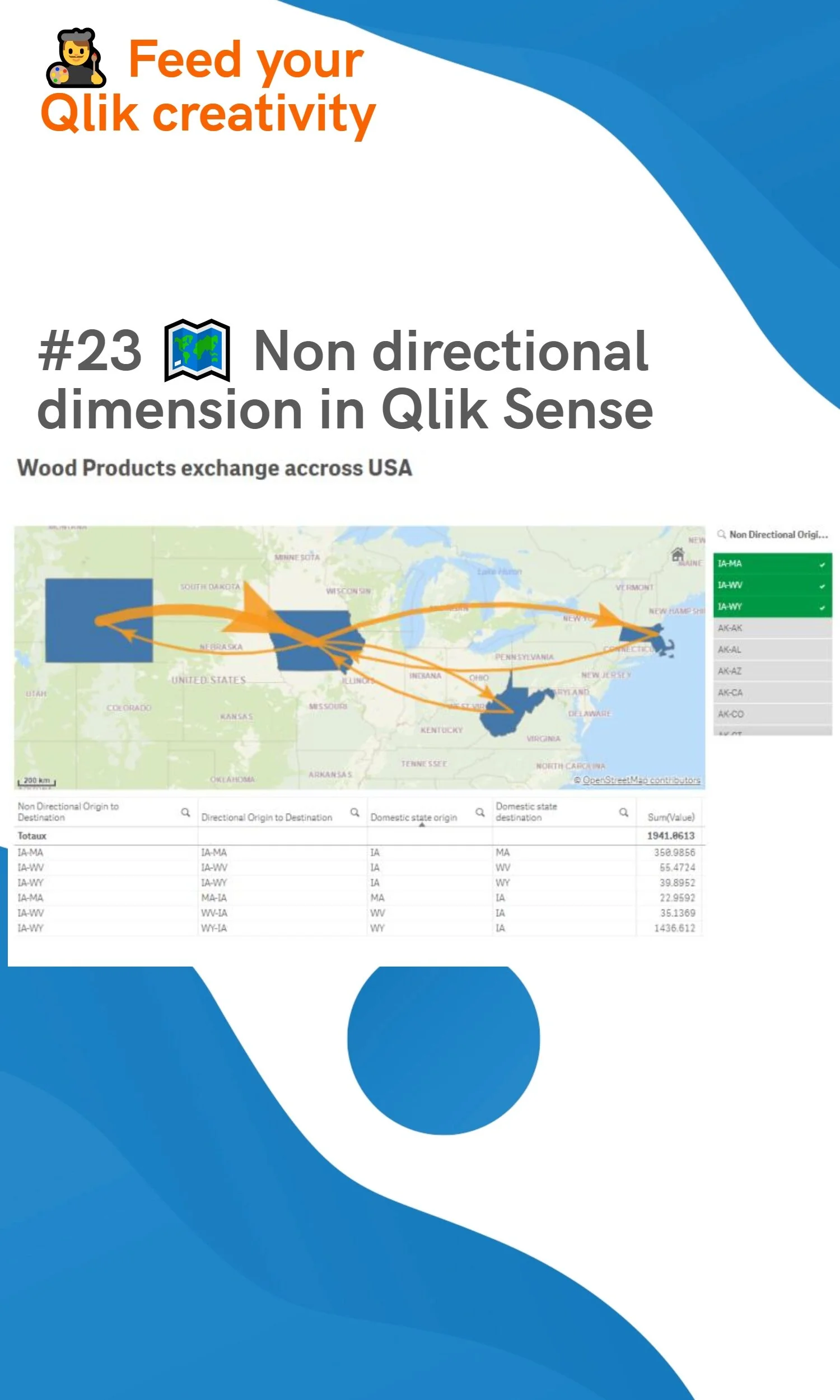
#23 🗺️ Non directional dimension in Qlik Sense
Christophe Brault23 avril 2020Commentaire
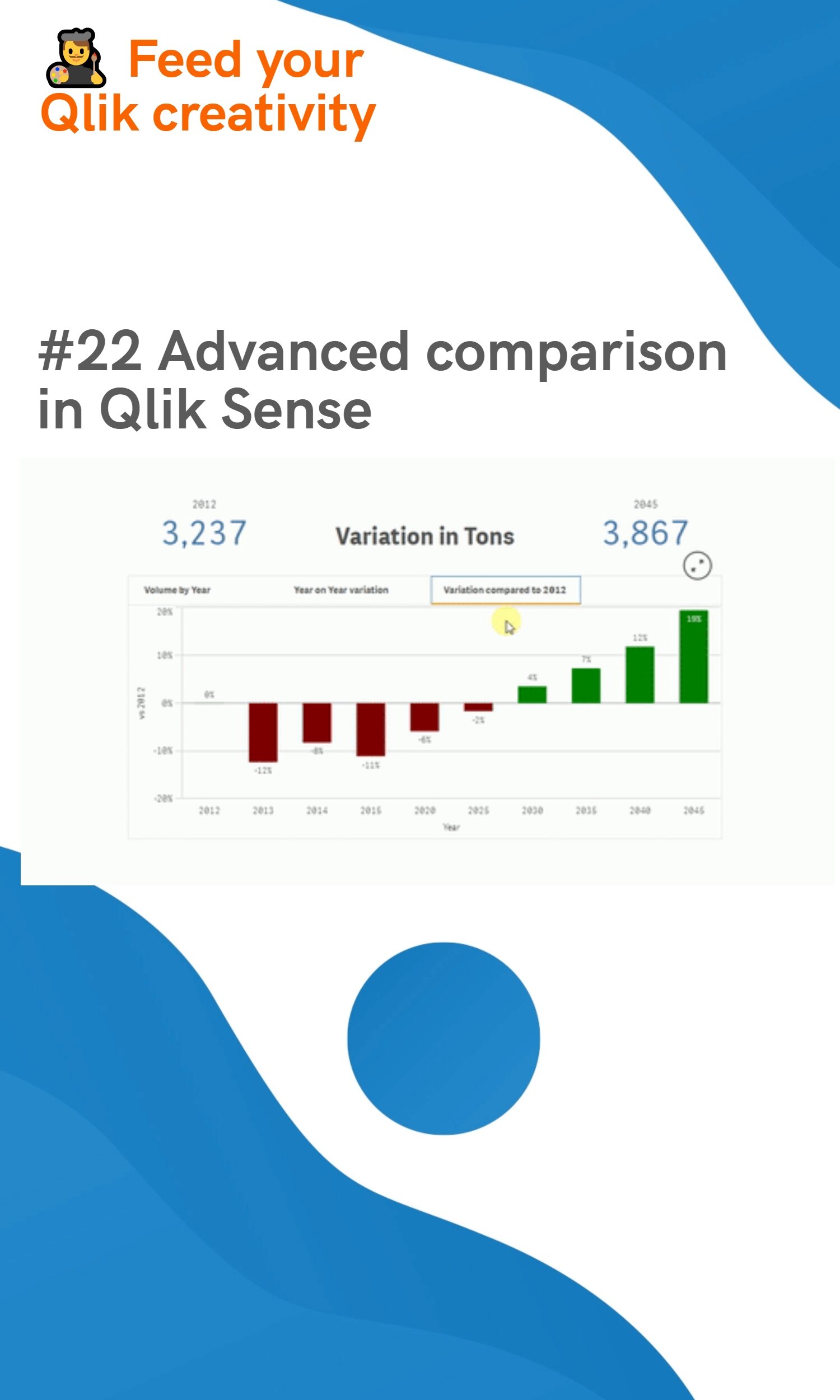
#22 Advanced comparison in Qlik Sense
Tips & TricksChristophe Brault22 avril 2020 Commentaire
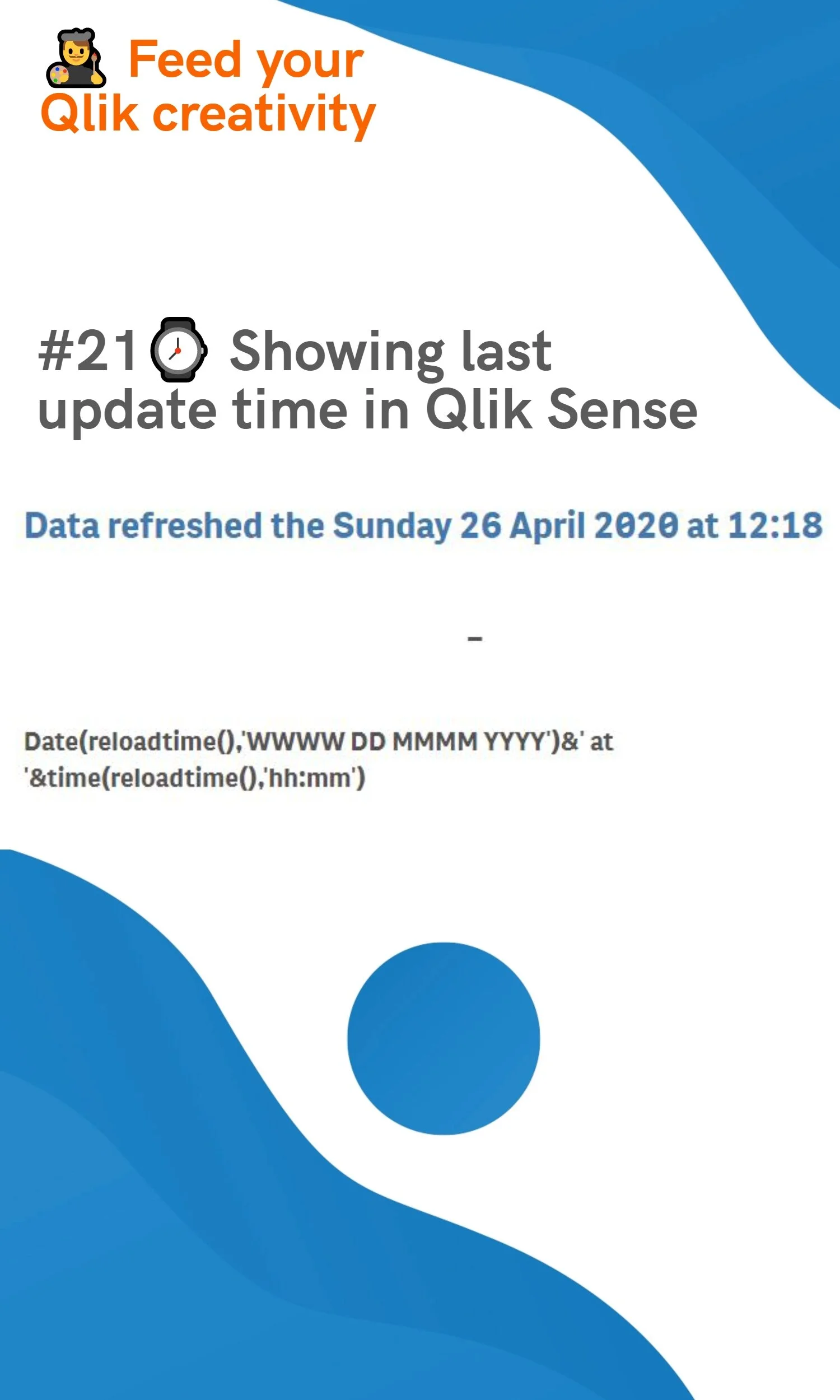
#21 ⌚ Showing last update time in Qlik Sense
ContextChristophe Brault21 avril 2020 Commentaire
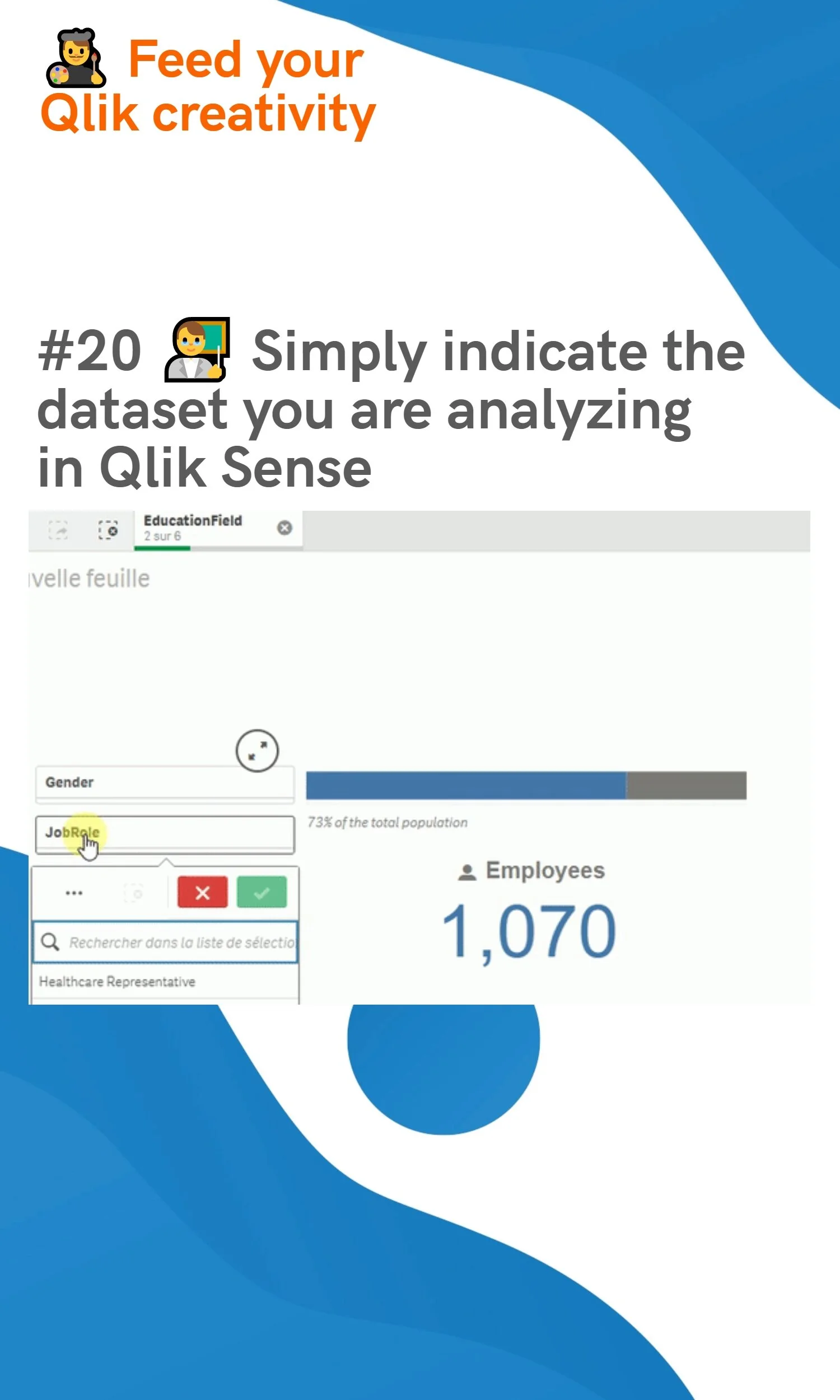
#20 👨‍🏫 Simply indicate the dataset you are analyzing in Qlik Sense
ContextChristophe Brault20 avril 2020Commentaire
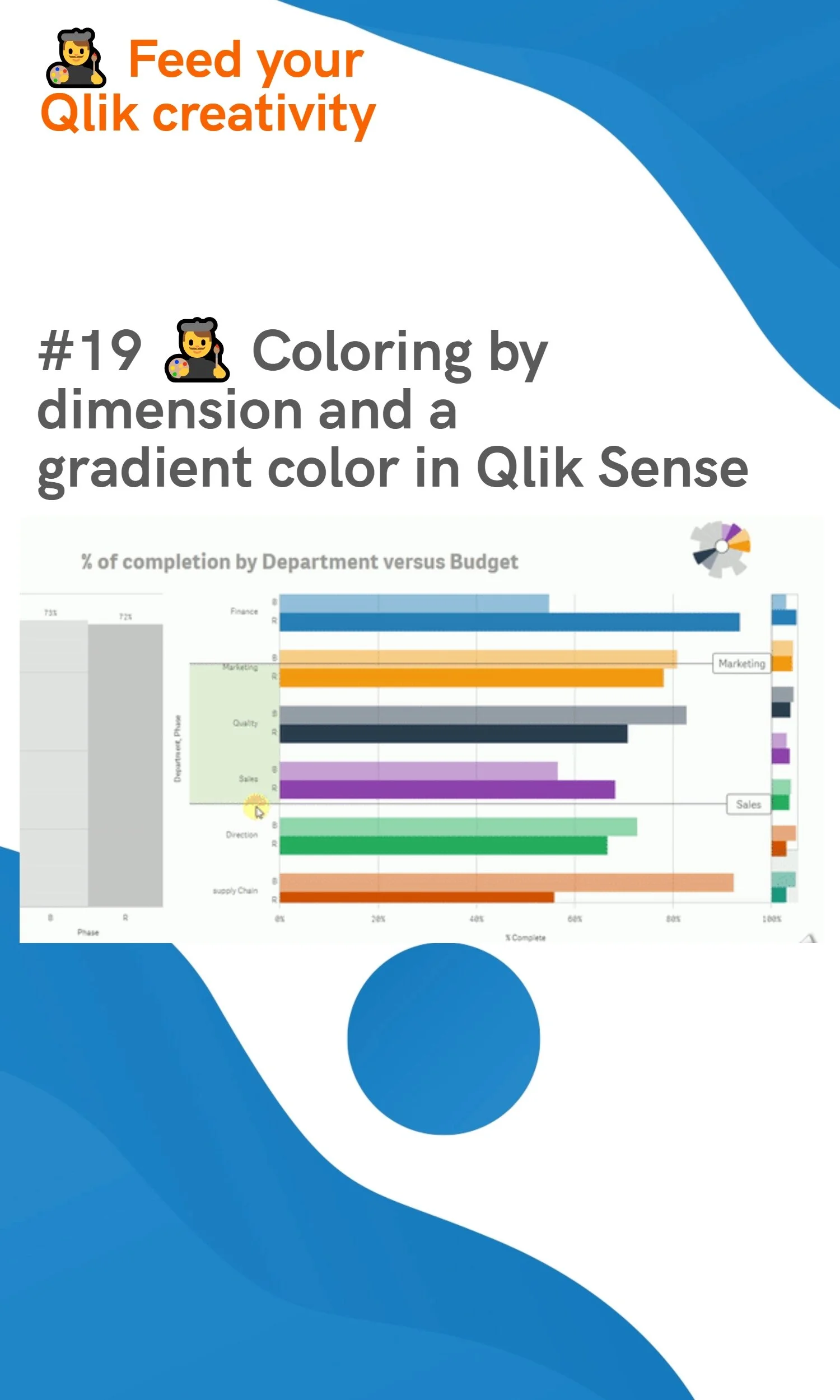
#19 👨‍🎨 Coloring by dimension and a gradient color in Qlik Sense
Tips & TricksChristophe Brault19 avril 2020Commentaire
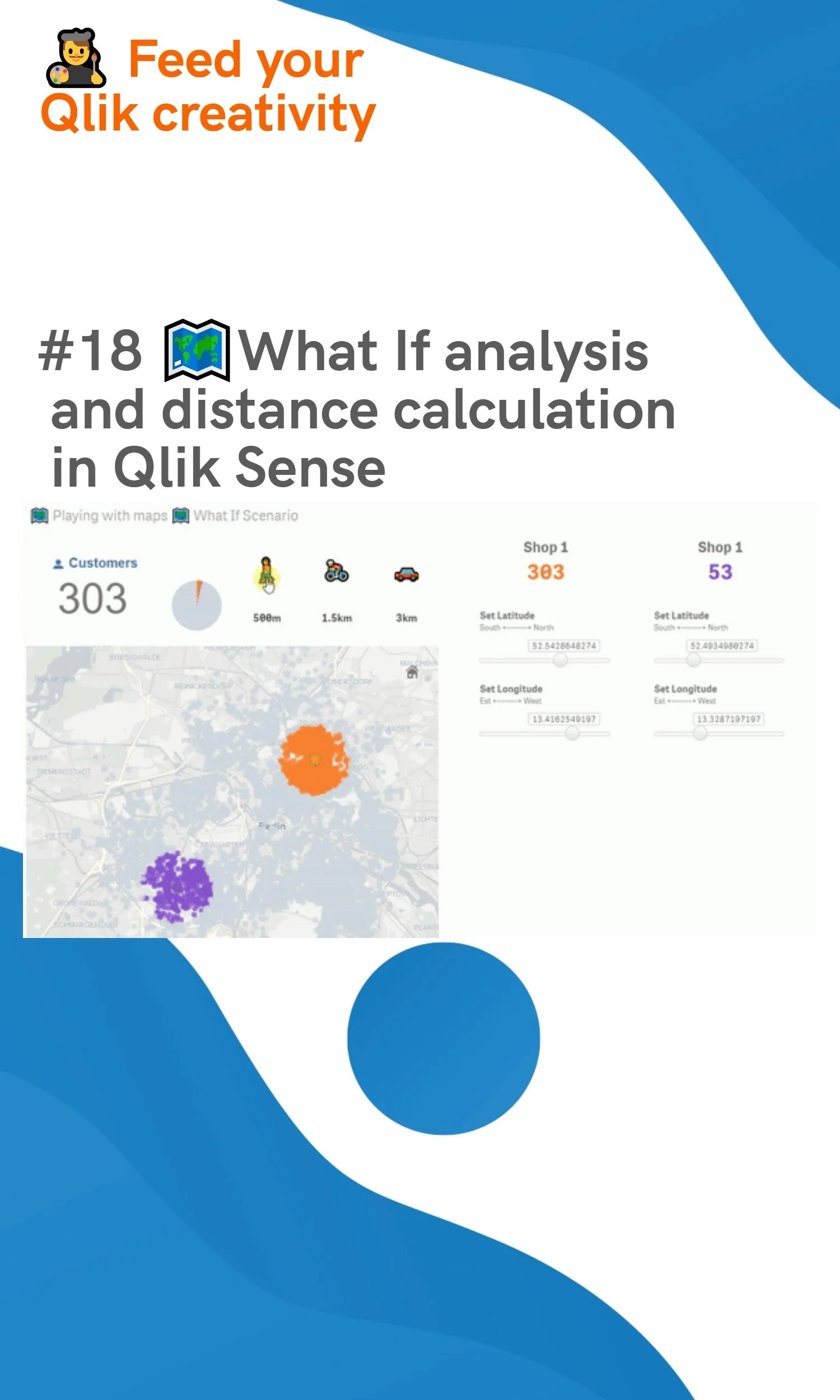
#18 🗺️ What If analysis and distance calculation in Qlik Sense
Tips & TricksChristophe Brault18 avril 2020Commentaire
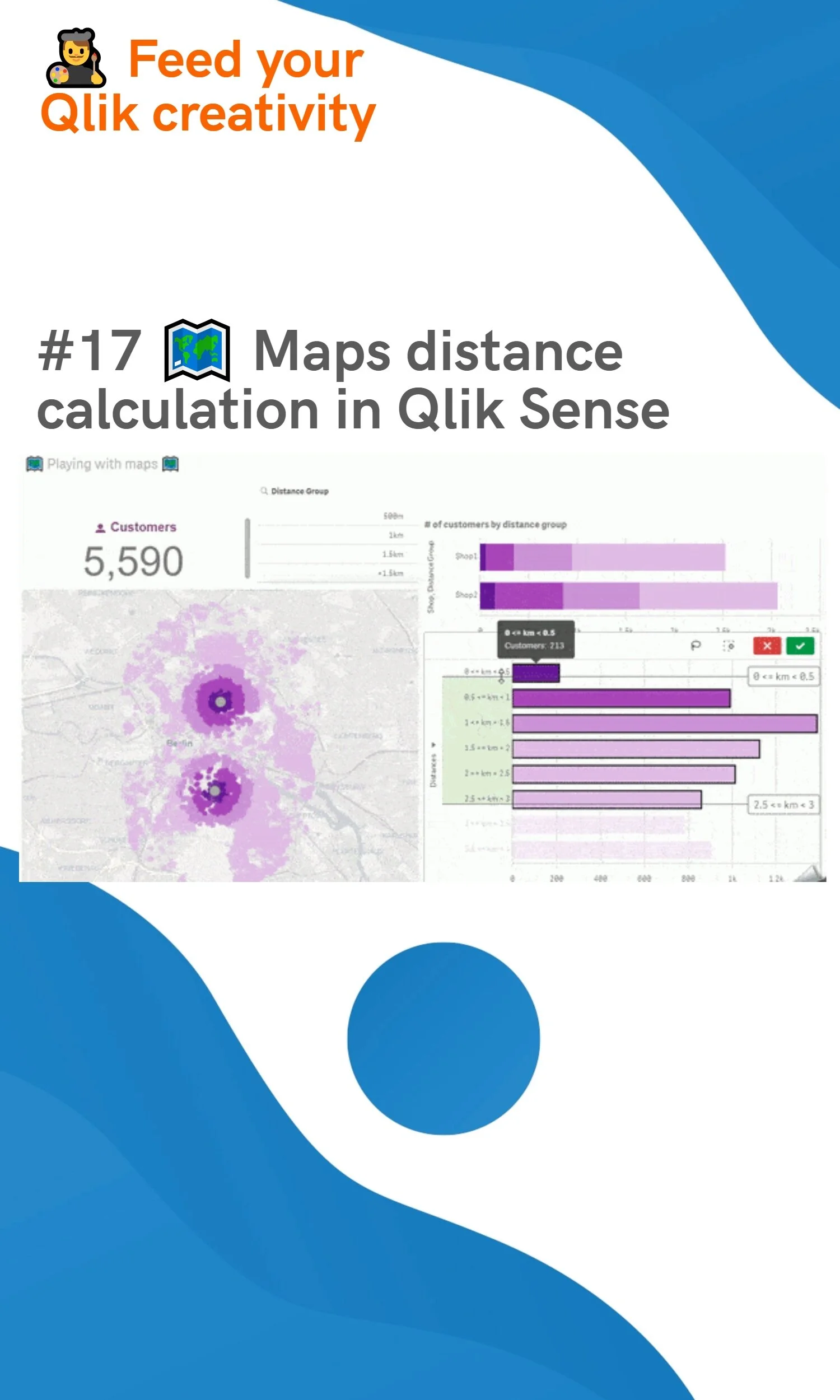
#17 Maps distance calculation 🗺️ in Qlik Sense
Tips & TricksChristophe Brault17 avril 2020Commentaire
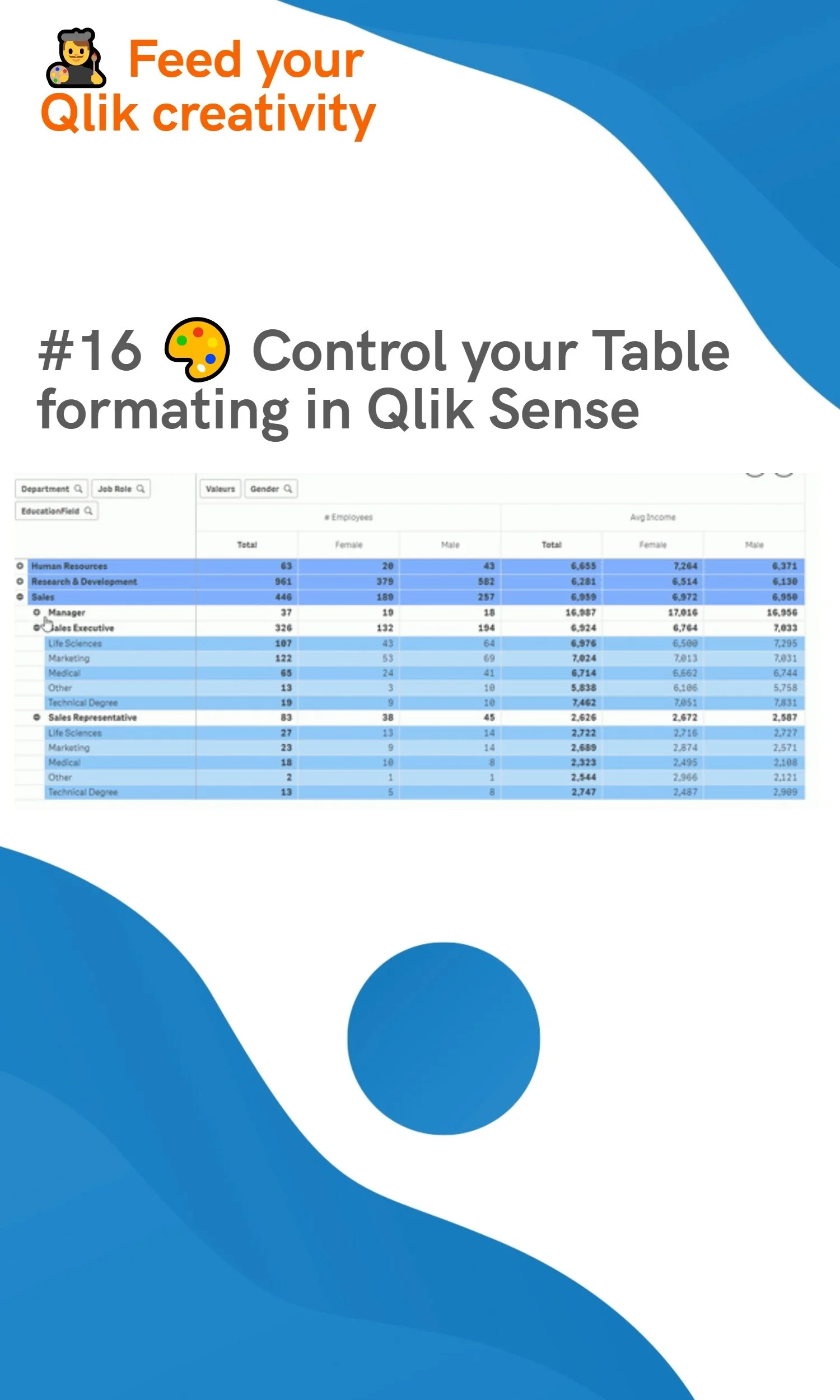
#16 🎨 Control your Table formating in Qlik Sense
Tips & TricksChristophe Brault16 avril 2020Commentaire
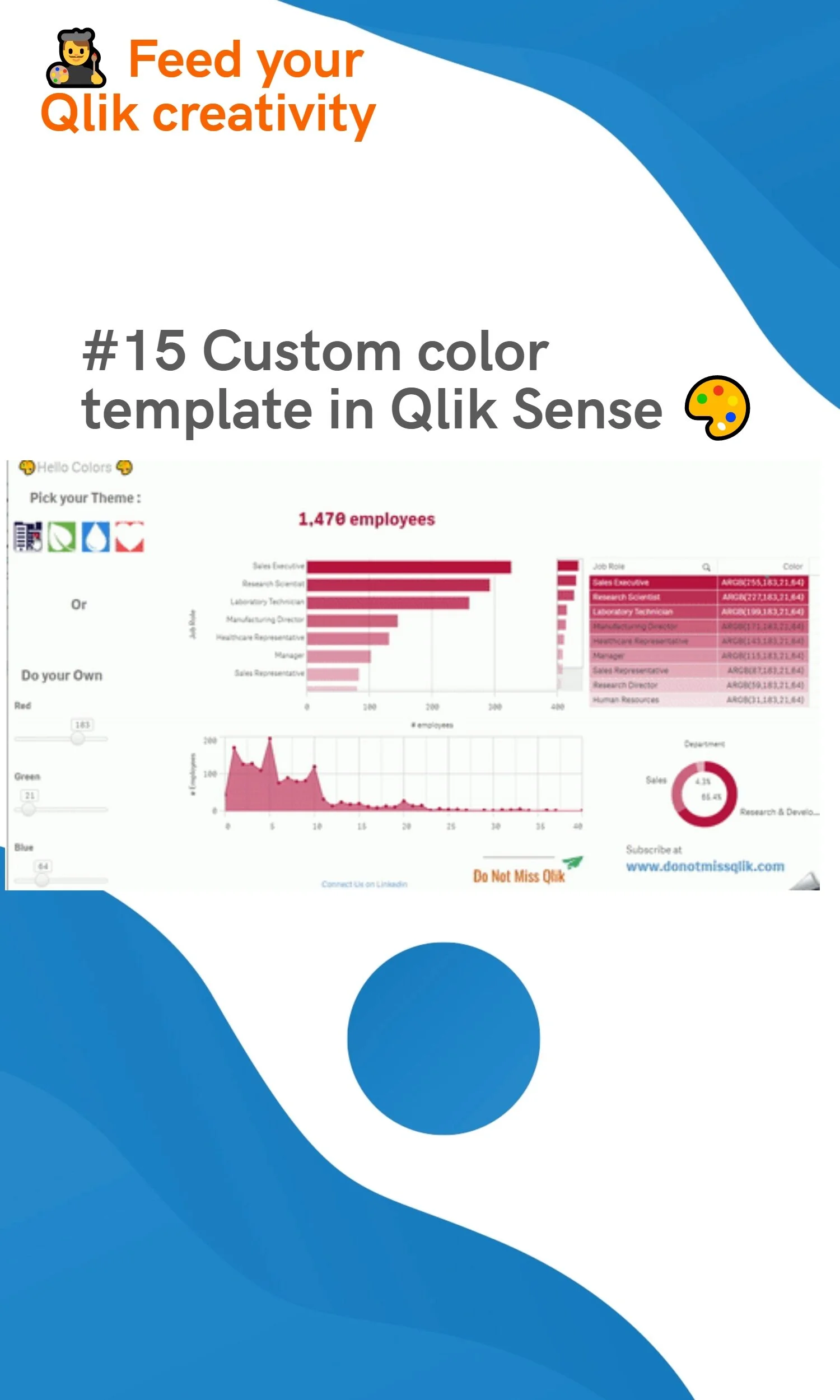
#15 Custom color template in Qlik Sense 🎨
Tips & TricksChristophe Brault15 avril 2020Commentaire
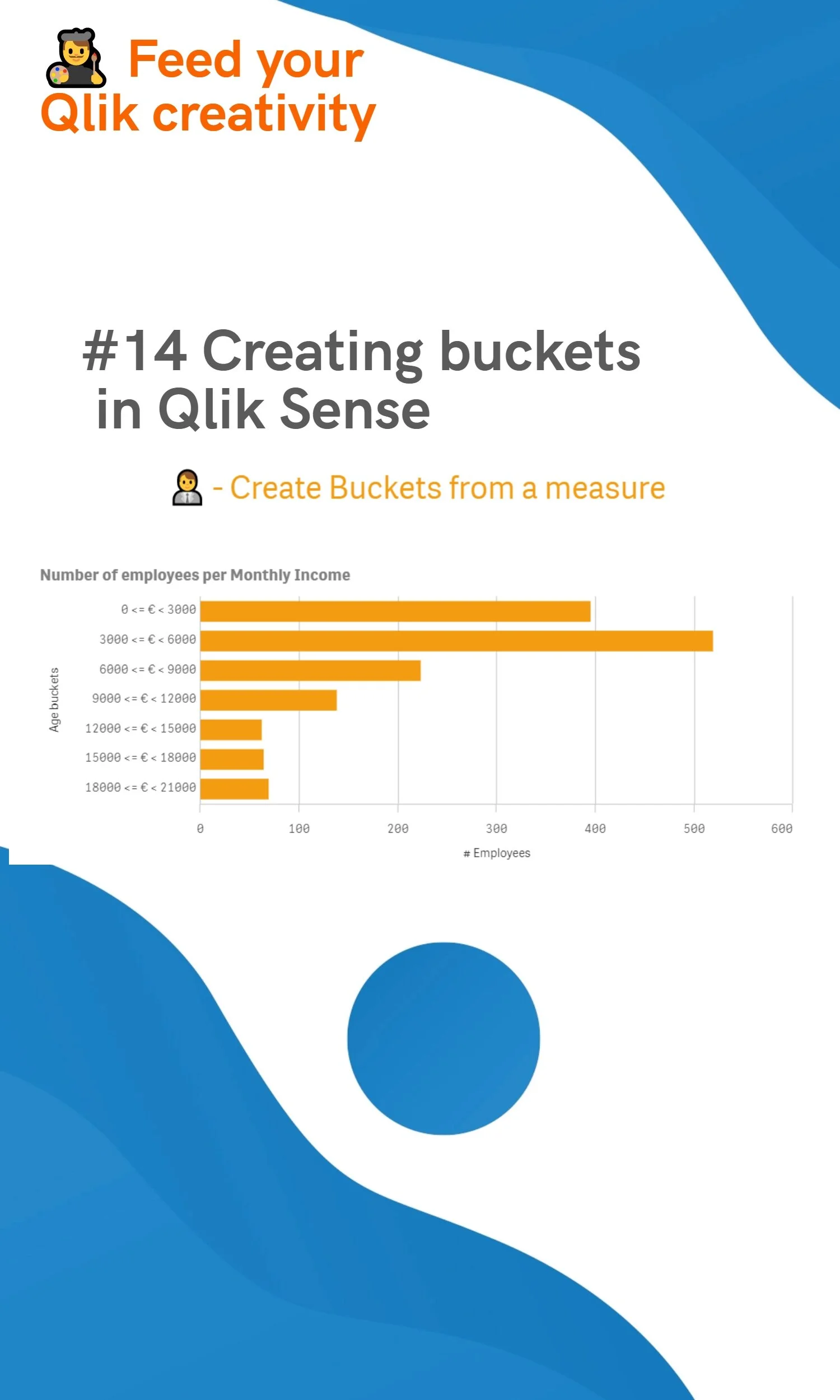
#14 Creating buckets in Qlik Sense
Tips & TricksChristophe Brault14 avril 2020Commentaire
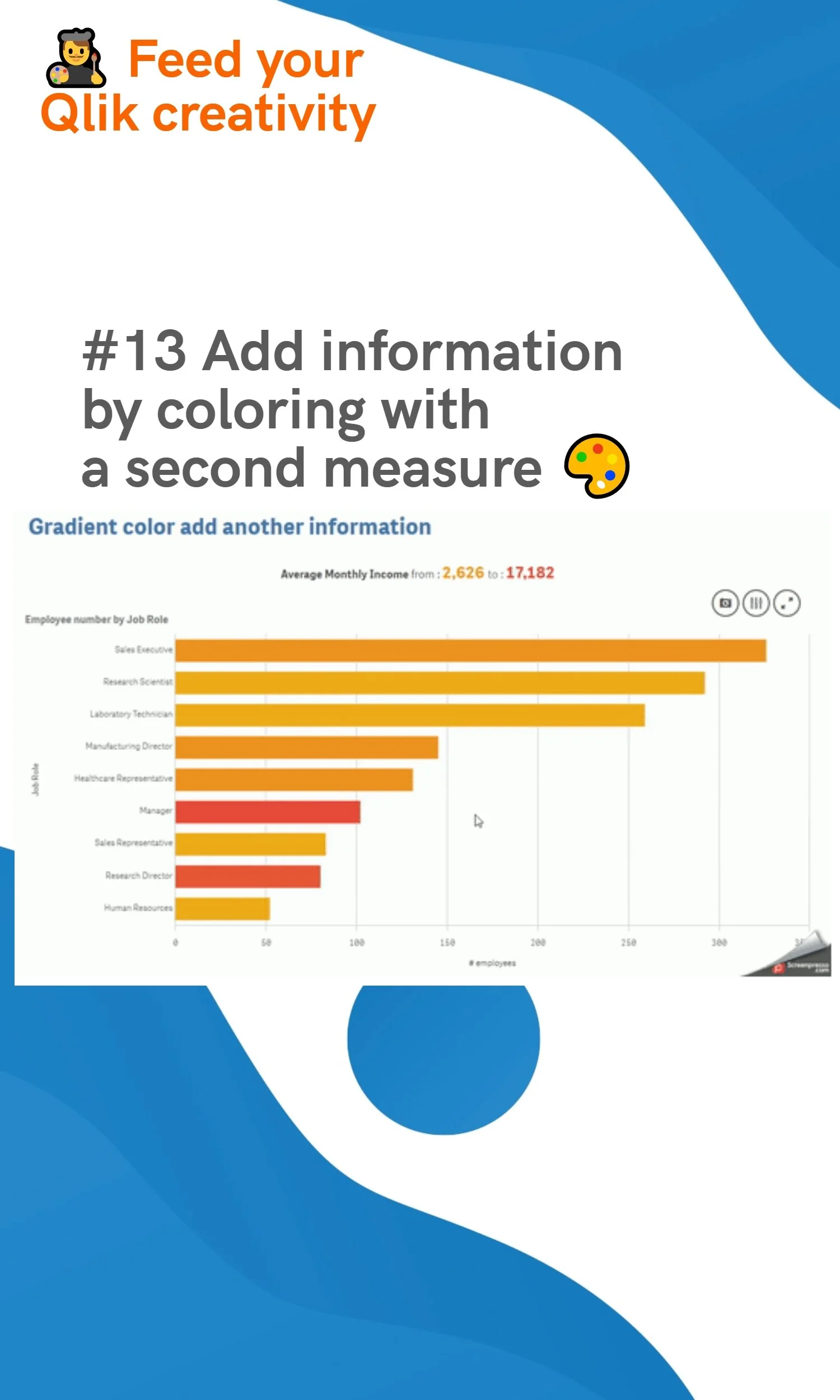
#13 Add information by coloring with a second measure 🎨
Tips & TricksChristophe Brault13 avril 2020Commentaire
Plus récents Plus anciens
SARL QREATIC
Bonnefonds,
Aizenay, Pays de la Loire, 85190,
France
07 85 92 91 32 christophe@qreatic.fr
Horaires d'ouverture

SARL QREATIC•+33 7 85 92 91 32•QLIK EXPERTISE

Services
Home Services Solutions
white_logo_transparent_background.png